Contact us

OneSignal global customer stories

FoodHero

A timely message.
A purchase picked up again.

FoodHero connects push and email to the buying journey in a fast-moving food marketplace, recovering up to 10% of abandoned carts each month.

Published · Updated

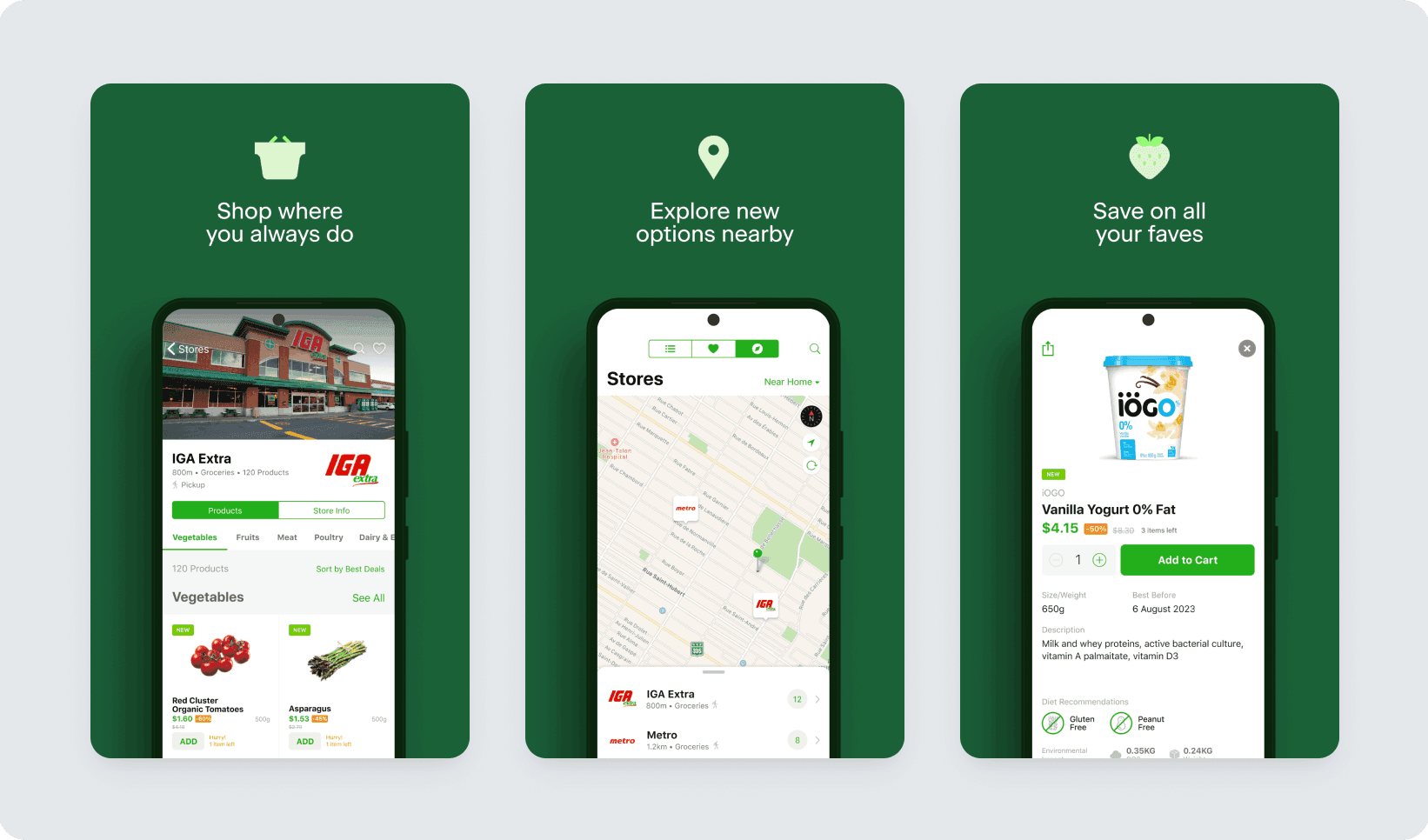
FoodHero surplus-food shopping service and mobile app
FoodHero · Image from the OneSignal customer story

01 · The challenge

A national service needed
a connected customer experience.

FoodHero connects shoppers with surplus food in Canada. As it expanded beyond Quebec, separate messaging tools made communication harder to coordinate. The team needed a connected experience from installation through purchase and return visits.

Fast-changing stock also made timing important. Announcing available items and helping customers complete a purchase needed to fit into the same operating flow.

02 · The approach

Different journeys for sign-up
and cart abandonment.

FoodHero used educational push and email messages for people who installed the app without signing up. Its cart-recovery Journey targeted customers who had abandoned a cart within the previous hour. App push also announced new inventory.

Behavioral audiences from Mixpanel connected with OneSignal. The team coordinated English and French messages across channels in Journeys and analyzed cart additions and purchases after message engagement.

03 · The result

Up to 10% of abandoned carts
recovered each month.

FoodHero recovered up to 10% of abandoned carts each month through push and email reminders. The campaign connected the customer’s stage in the buying process with a relevant next action.

Sources

  1. FoodHero — OneSignal customer story

Apply it to your service

Start with the buying flow
in your own store.

Inventory, order status and the screen opened by a message need to agree. Define those connections for the first campaign.

Connect carts and orders to the same customer

Associate cart changes and completed orders with a customer identifier. Check continuity when a guest creates an account, and define when item quantities and availability are refreshed.

Customer data and event integration

Stop reminders after a purchase

Exit the Journey when a customer buys during the waiting period. Include sold-out items, price changes and emptied carts in the review. Check stock freshness so a message does not recommend unavailable items.

Entry, waiting and exit conditions

Validate the path from click to checkout

Open the relevant cart or product from the notification. Preserve purchase context through login, then record message clicks and completed orders separately to understand where customers continue or stop.

Channels and the experience after a message

Questions about implementation

What data does a cart-recovery campaign need?

Start with a customer identifier, cart changes, completed orders and product availability. A reachable recipient also needs consent for the channel. Check which events can arrive in real time before setting waiting periods and exclusions.

Do we need Mixpanel to build a similar campaign?

The integration depends on your analytics tools, app and backend. FoodHero used Mixpanel. For your service, begin by identifying the events you can send through an SDK or API and the customer attributes you already maintain.

How should we measure recovery?

Define the campaign audience and measurement period, then connect subsequent purchases to order data. Separate clicks from purchases and deduplicate completed orders so the next campaign can be compared on the same basis.

OneSignal consultation

Start with what your team needs.

Review licensing, development and operations based on your service environment and goals.