A completion mark on screen and a copy that preserves the original intact are two different things to confirm. For the exhibition image backup service of company G, we compared originals against copies and verified where the data comes apart under transfer interruption and re-upload conditions.
You press the backup button. The progress indicator finishes and a message says the backup is complete. Is that screen enough to decide the original can be deleted?
The completion message is a state the software shows. What is actually needed is evidence that the stored copy preserves the original properly. Without separating the two, verification of a backup feature can end at checking the screen.
In the project for company G, which handles exhibition images, the image data itself was the center of verification. Independently of how the screen behaved, IXC compared the originals against the stored copies.
A backup first needs a definition of what counts as "the same"
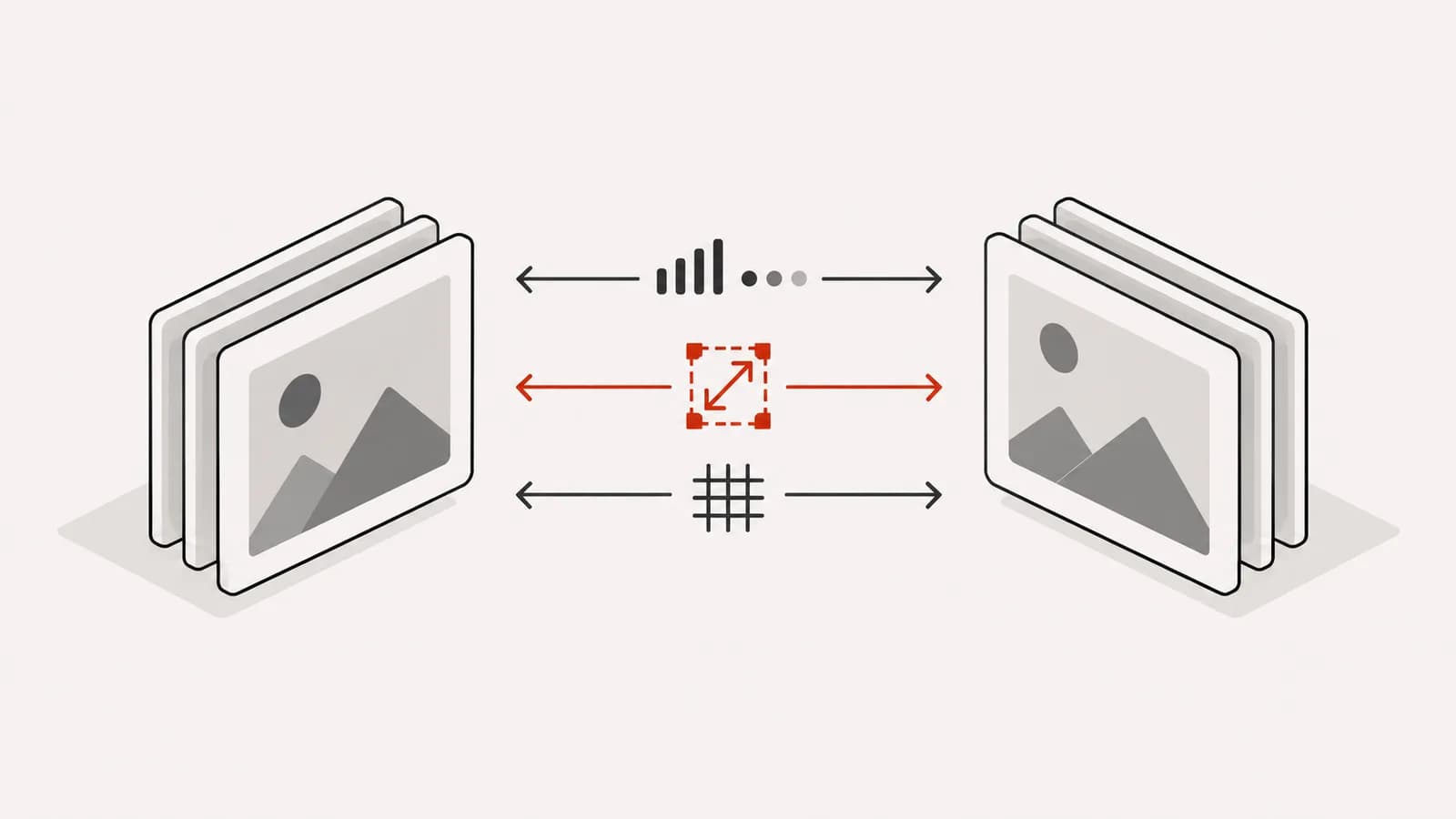
Comparing originals with copies requires a criterion for judging that they are the same. A visible file name does not mean the content is preserved, and even when the file counts match, the state of individual files can differ.
In this verification, file count, size, and checksum were used as the comparison criteria. A checksum compares values computed from the file contents, and can be used to confirm whether the contents have changed.
- File count
- Do the numbers of originals and copies included in the comparison match?
- File size
- Does the stored size of each individual file match?
- Checksum
- Do the comparison values computed from the file contents match?
The criteria complement each other. Matching on one value alone is not taken to mean every condition of the whole backup has been confirmed. The comparison targets and how they correspond also have to be defined.
Transfers that finished normally were not enough
A backup is a process that starts and ends. If the connection drops in between, or the same file is delivered again, the process meets conditions different from the initial normal path.
For company G, transfer interruptions and re-uploads of the same file were reproduced. The data stored as a result was compared against the originals to identify where omissions or duplicates could arise.
The reason to examine these conditions is that users do not always finish the job in a single attempt. If a feature can be run again, the data after running it again has to be explainable as well.
A test that confirms normal operation and a test that confirms a flow that went wrong midway ask different questions. In a backup, what matters is the copy that finally remains, so both paths have to be examined together.
Data differences were turned into problems development can reproduce
Reporting only that a copy differs from the original can leave too little to start a fix from. Developers need to know under which conditions which target diverged in order to check the same situation again.
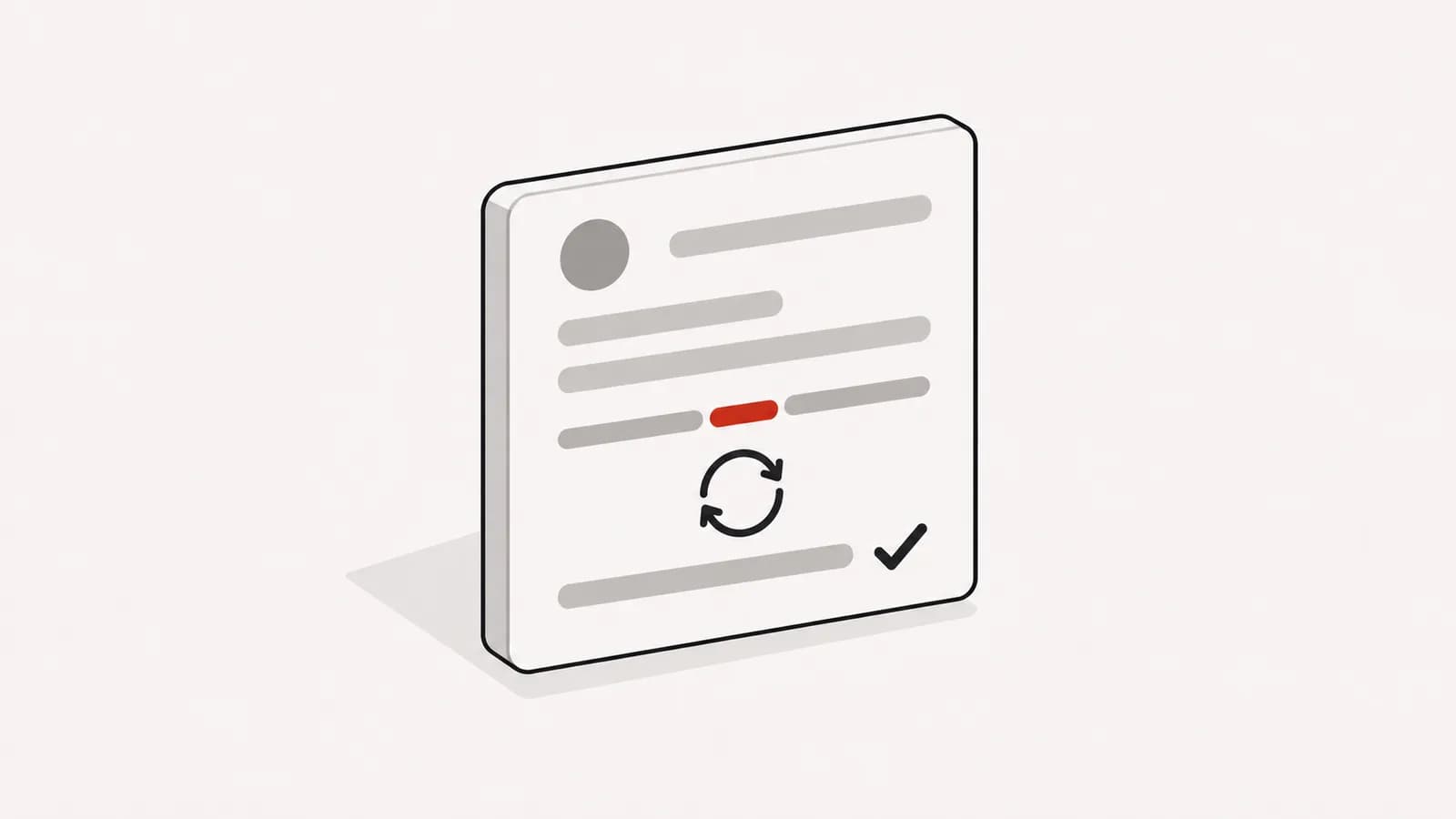
The differences found in verification were organized together with the conditions that reproduce them. The result of comparing originals and copies was turned into defect records from which an order of fixes could be set.
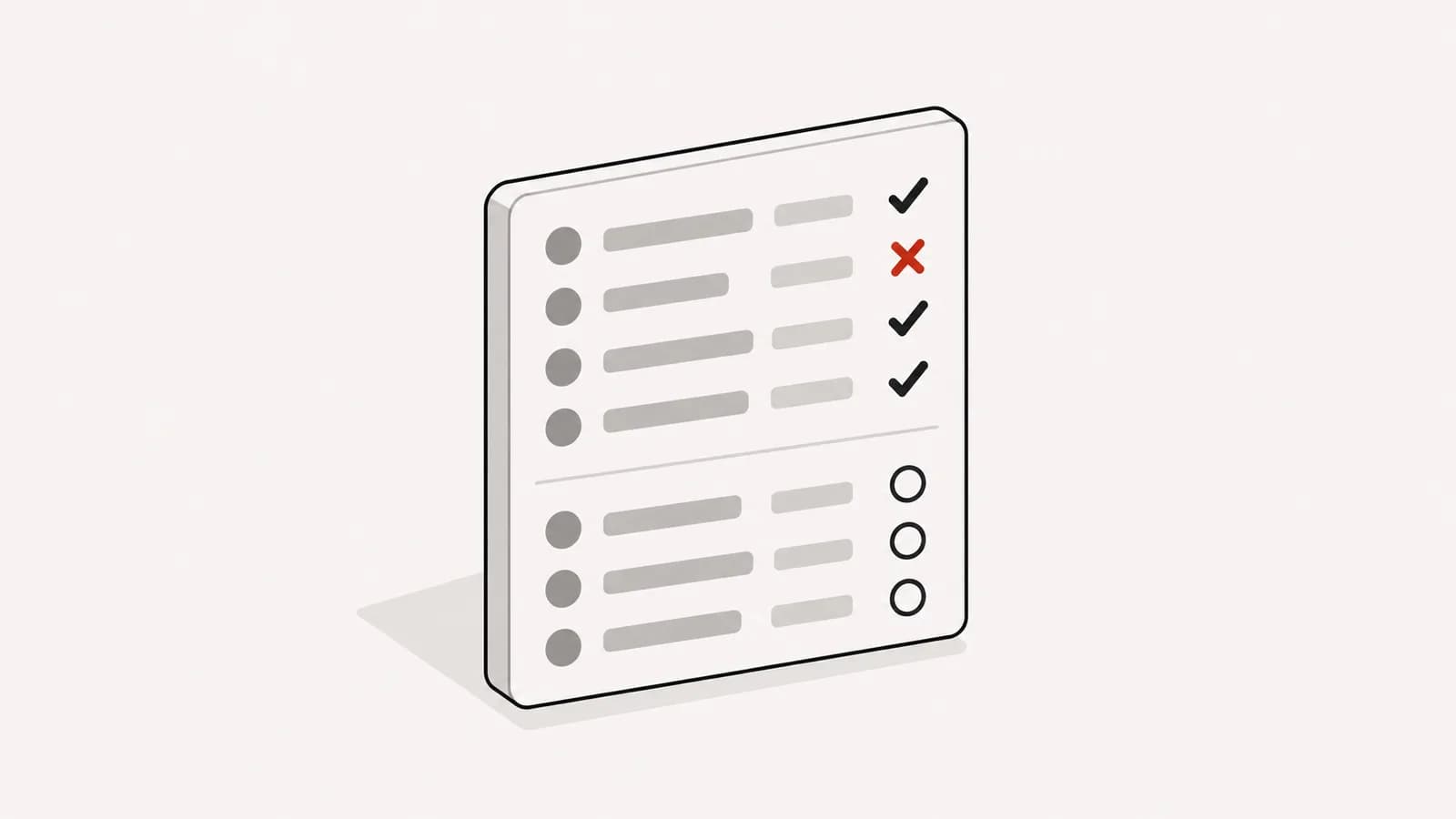
What matters here is not only whether an image is visible. Even a copy the user can open may still be missing files, and the problem of some files being in a different state has to be examined separately.
For verification results to lead to actual fixes, the difference in the data and the condition that produced it have to be connected.
Alongside the test results, criteria for checking again were left behind
The project left behind the conditions under which the data comes apart and the comparison criteria. The criteria of file count, size, and checksum became a starting point that can be used when checking backup results again.
A defect list describes the problems of a particular point in time. Comparison criteria let later results be examined with the same questions. Leaving both behind is the significance of this verification.
Data comparison and verification of an entire disaster recovery system, however, differ in scope. This case is a project that verified the consistency of an image backup; it is not a case that guarantees the recovery time of the whole service or recovery from every failure.
Only when what was confirmed in verification is described precisely can the operators who use the results know what they are basing their judgments on.
The object of confirmation moved from the screen to the asset
The company G case shows that what verification covers can change depending on where the object of functional testing is placed. Centered on the backup button and the completion message, you end up confirming the flow of the screen. Centered on the images that must be preserved, you end up confirming the relationship between originals and copies.
In this project, a large volume of image data was compared and exceptions in the transfer process were reproduced. The results were left behind as fixable problems and as comparison criteria to be used repeatedly.
The final question in backup verification is not whether the job finished. It is whether the data that was needed remains in the intended state.