
Members, suppliers, products, inventory, HR, and business operations were scattered across different files. We mapped the workflows of cooperative company C, built a system around shared data, and connected everything from planning through QA and cloud operations.
Member information is in one file, products in another, and inventory and HR in yet another set of records. Within each file, the work gets done. The problem appears at the moment the information has to connect.
Someone has to check which file is current and how far the same information needs to be corrected. This is not a problem of screens or tables. It is a problem of an organization managing the same facts in different places.
Cooperative company C was also managing its members and suppliers, products and inventory, HR, and business operations in spreadsheets and by hand. IXC did not start by computerizing each task one at a time. Working out which information the tasks needed to share came first.
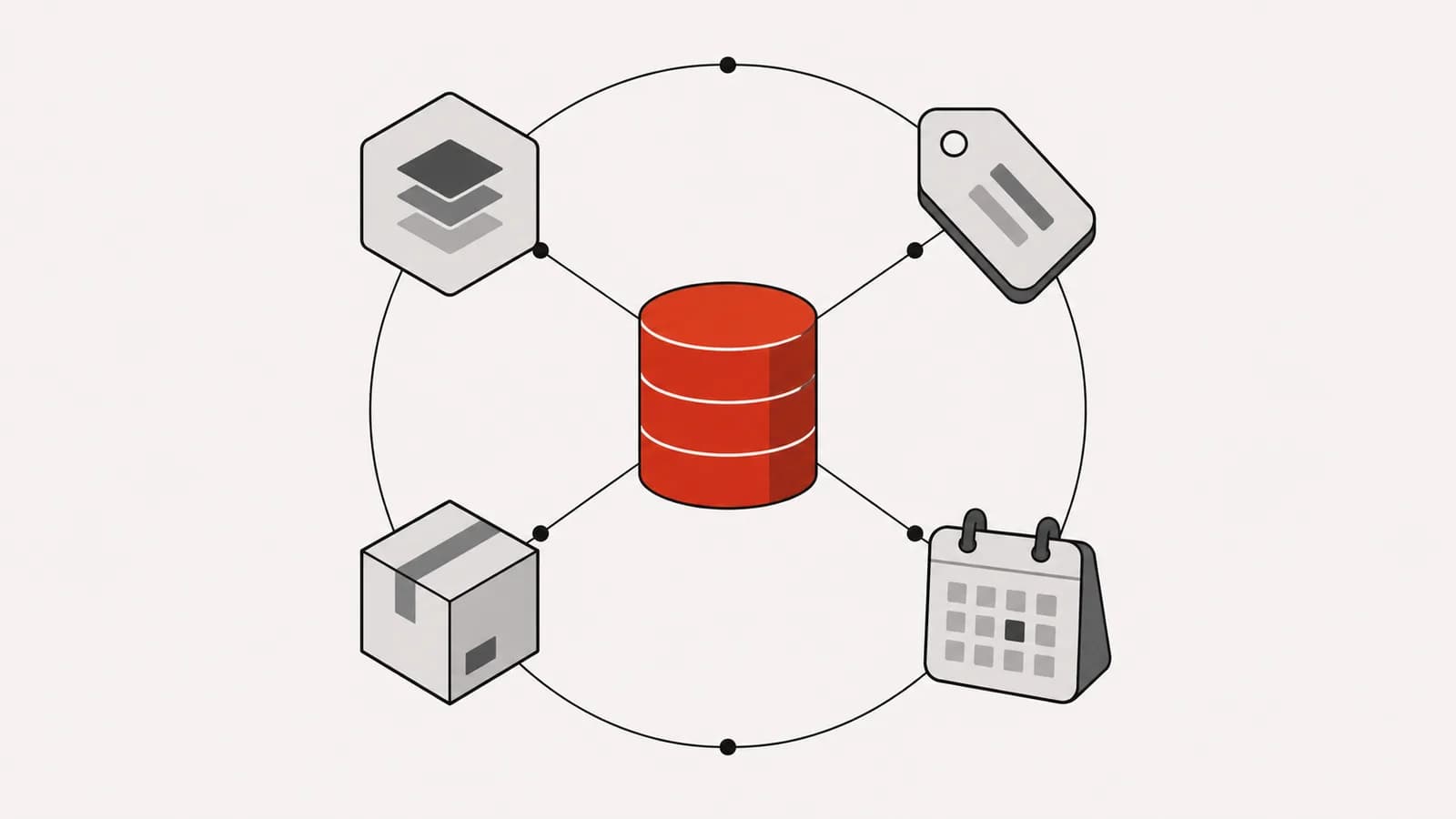
Before building menus, we mapped the relationships between tasks
If menus are built from the existing files, each task's screens can be put together quickly. But if the relationship in which the same information was entered in several places is carried over as it is, the inconvenience comes along with it.
At company C, during planning and design we looked at member management, products and inventory, HR, and business operations together and mapped the flow of the system. Member information was placed at the center, and supplier and product and inventory management were configured to use a shared data foundation.
This decision did not mean putting every task on one screen. The screens each task needs may differ; the point is to connect them so that the basis of information describing the same object never diverges.
The value of an integrated system lies in this relationship rather than in the number of menus. When users move to another task, they should still know which information they are looking at.
We did not keep member management and products and inventory apart
Running a cooperative involves more than member management. There are the products and inventory it handles as a supplier, and there are the HR and business operations inside the organization.
In this system these tasks were configured within the same environment. Instead of reconciling information separately in each file, work is processed on the basis of connected data.
Integration requires distinguishing commonly referenced information from task-specific states. The information that identifies members and suppliers is used across many tasks, while per-product inventory and the state of HR tasks have to be managed by each task's own rules.
Only with this distinction does the word integration become a concrete design. What matters is not merging things into one as such, but deciding what to manage together and what to judge separately.
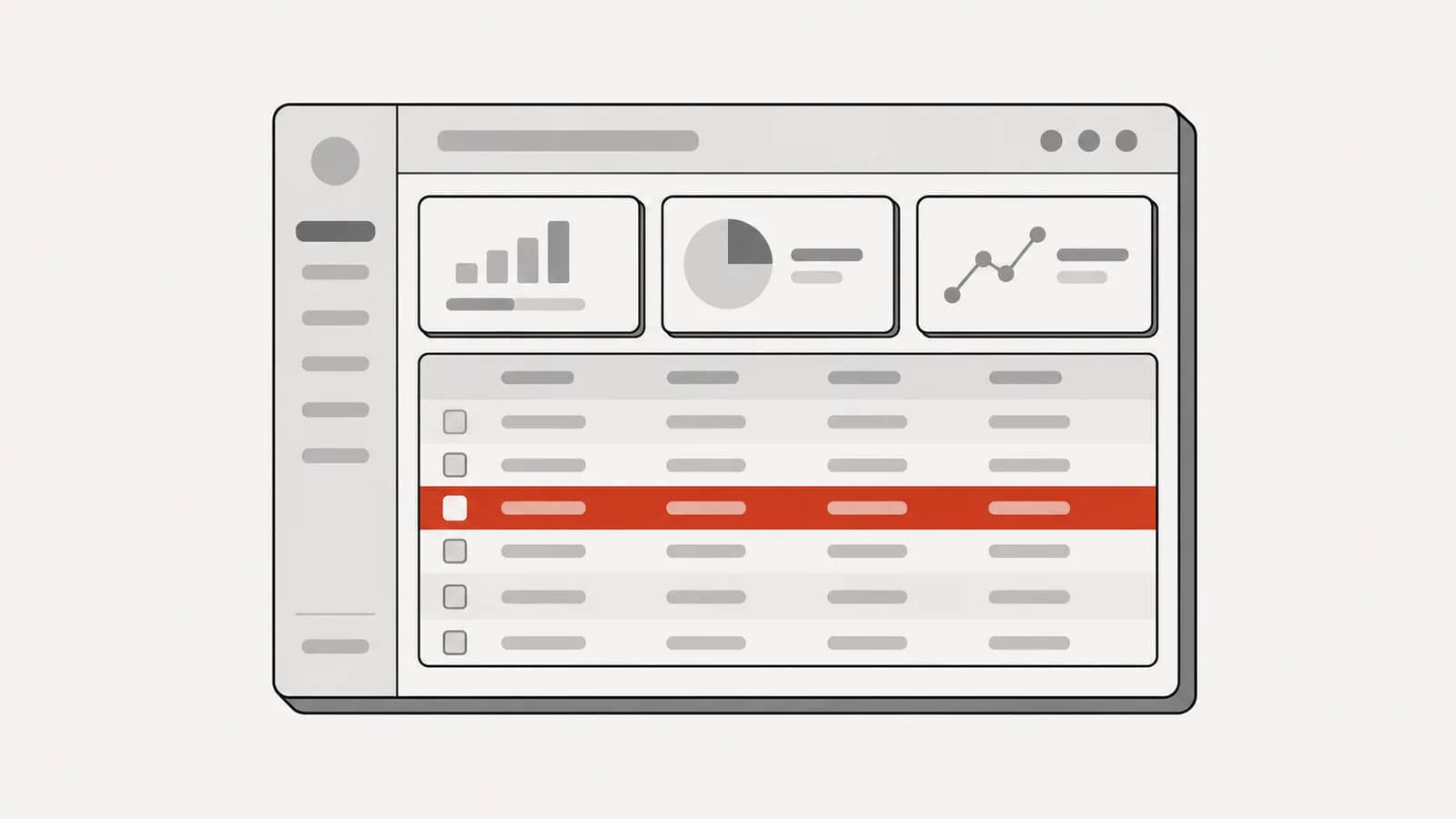
We connected the information used for notices with the information used for operations
Notices sent to members were also connected to the member records. This keeps the objects managed in the business system and the recipients of communication from ending up on different bases.
Contacting members is not only a matter of a message-sending function. First you need to know who should receive a notice and which records determine the recipients.
Customer relationship management in this project began by connecting the data that describes members with the notices actually sent. Rather than working from a separate roster each time contact is made, the direction was to use the records already managed in the business.
Communication through a system starts when the data can be trusted. Making the operational information and the contact information refer to the same basis was the starting point.
We handled the build, verification, and operating environment as one project
Following planning and design, IXC carried out development and QA, set up the cloud environment, the deployment path, and the backup cadence, and took over operations.
For a business system, work remains even after each task's screens are complete. Whether the information needed in the next task can actually be used, and whether the results users produce lead into the intended flow, have to be examined.
Rebuilding the operating environment every time a new function is added is also a burden. Only when the deployment and operations path is prepared alongside the build can the system keep changing.
The role of one team in this project was not just covering the development phases broadly. It connected the understanding of the business through to screens and data, verification, and operations.
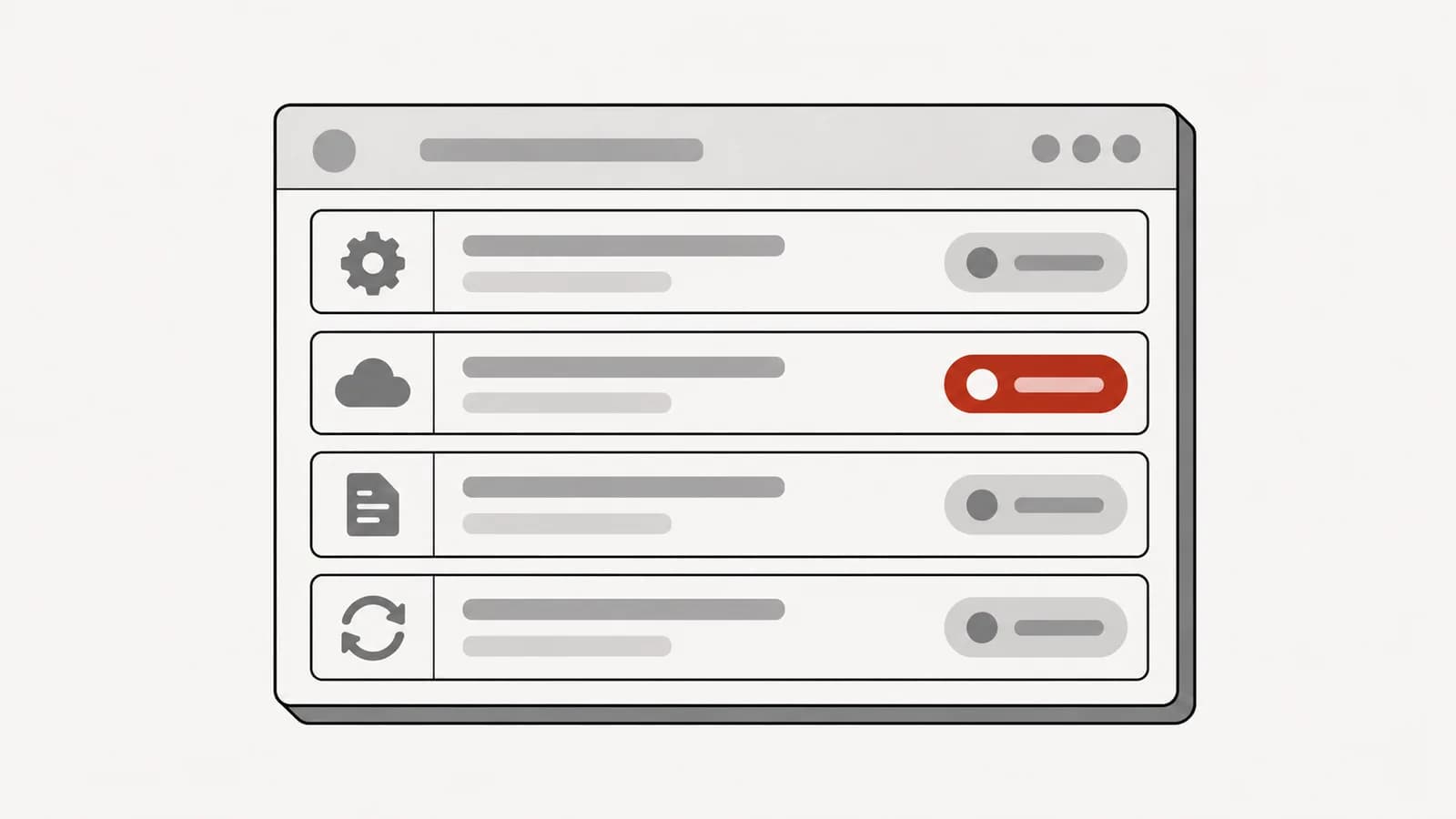
What changed was not where the work is done but the basis of the information
Company C now handles its scattered tasks within one system. Members and suppliers, products and inventory, HR, and business operations moved into a connected environment, and cloud operations continued after the build.
Explaining this change simply as paper and files disappearing misses the point. What matters is that the relationships between information managed separately for each task were worked out, so that the same records can be referenced.
For organizations considering work automation or an ERP build, the starting point is similar. Before asking which screens are needed, it is worth looking at where the same facts are being managed over and over.
Company C's case is a project that brought several tasks into one place, and at the same time a project that reorganized how the organization uses the same information.